Oh, yes.
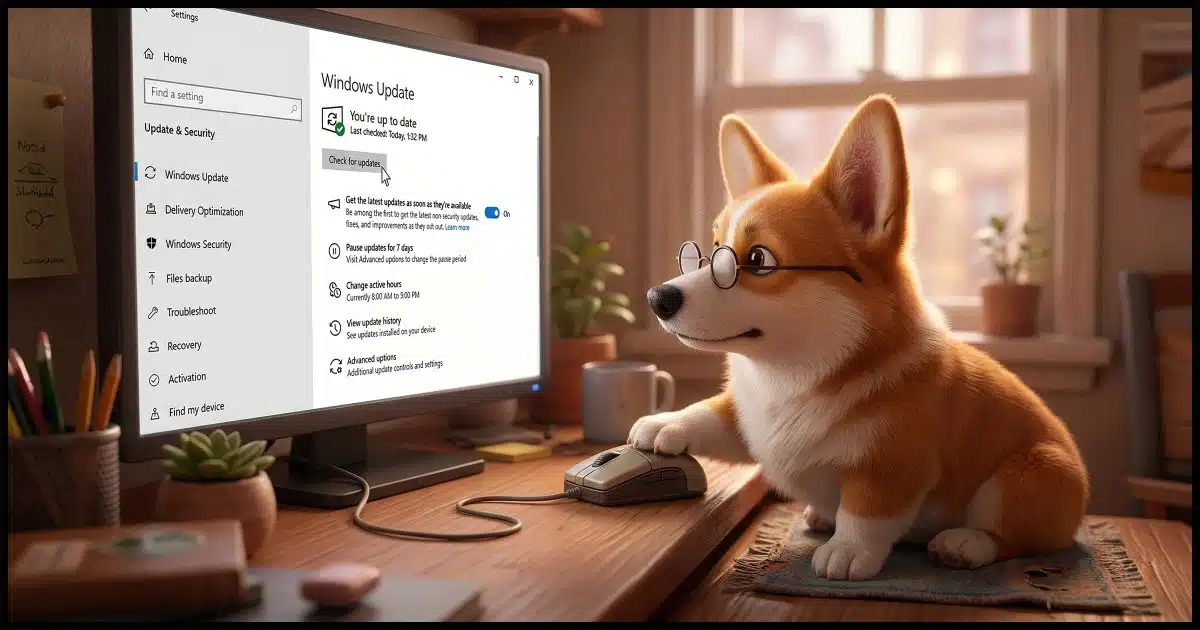
Yes, you should.
I want to explain why the answer is so short and definite.

Taking Windows 10 updates
Yes, you should keep taking Windows 10 updates, even though Microsoft no longer officially supports the OS. Updates still deliver critical antivirus definitions for Windows Defender, and may include emergency security fixes or updates for other Microsoft software (like Office).
Windows Defender
People are often surprised when Windows Update continues to deliver something regularly.
That something is most often the malware database and other updates used by Windows Security/Windows Defender. Needless to say, those updates are important. They’re the most important reason I’m so quick to say, “Yes, you should keep taking updates.”
Microsoft has confirmed that malware updates will continue into 2028.
If I’m not mistaken, Windows 8 and even Windows 7 are still getting these same updates via Windows Update, even though the operating systems themselves have long been unsupported.
Help keep it going by becoming a Patron.
Related
How to Keep Using Windows 10 Safely after Support Ends
Worried about Windows 10 after support ends? Don’t be. I'll show you the simple steps -- good habits and reliable security software -- that will allow you keep using your Windows 10 computer safely.#184526
ESU
If you’ve signed up for Windows 10 Extended Security Updates, you certainly want to keep taking updates.
In a sense, the ESU extends the end-of-support date for the operating system by another year. So if there are important security-related issues discovered in the operating system, Microsoft will provide fixes and deliver them via Windows Update.
Emergency updates
This is a rare scenario, and I can recall it happening only once.
If a severe security issue is discovered in Windows 10 after its end-of-support date (2025, or later in 2026 if you have ESU), then it’s possible Microsoft may release a fix anyway. You’ll want to be taking updates to get that if it happens.
As I said, it’s rare, but it has happened.
There’s more to Windows Update than Windows
Windows Update delivers more than Windows updates.
As we’ve seen, it’s responsible for updates to Windows Defender. It also updates other Microsoft software. For example, if you have one of the many forms of Microsoft Office installed, it’s Windows Update that keeps those tools updated regularly, regardless of the status of Windows itself.
Do this
Running Windows 10? Take the updates. Windows Update should continue to do this for you, and you should allow it.
Subscribe to Confident Computing! Less frustration and more confidence, solutions, answers, and tips in your inbox every week.


I know they are AI generated, but I do like your corgi illustrations.
Not as nice as the Queen’s corgi’s!
Is there any chance Microsoft will extend the Windows 10 updates for another year?
My current 15 year old Dell notebook works fine, but is not compatible with Windows 11.
I’ve read your article on what to do with a new computer and I can do it. But doing the backups and updates and turning off the crap ware I do not need, and reinstalling all the programs I do use will be a hassle.
Definitely maybe. There’s no evidence of that, but anything is possible.https://askleo.com/how-to-keep-using-windows-10-safely-after-support-ends/
Many people are still using
https://askleo.com/what-happens-if-i-dont-update-to-windows-11/
https://askleo.com/what-does-windows-10-end-of-support-really-mean/
You failed to mention that there is a $30 cost for those additional Windows 10 updates. Microsoft conveniently rolled out with those updates within days of October 14, 2025. I have a Windows 10 laptop and there have been no additional updates since last year, except for the ones they are charging for.
You’re the first person I’ve heard from who’s mentioned actually needing to pay. There are multiple ways to get it for free. Microsoft announced a $30 cost, but in practice I’ve yet to see it enforced.