Some tech takeaways from my recent experience.
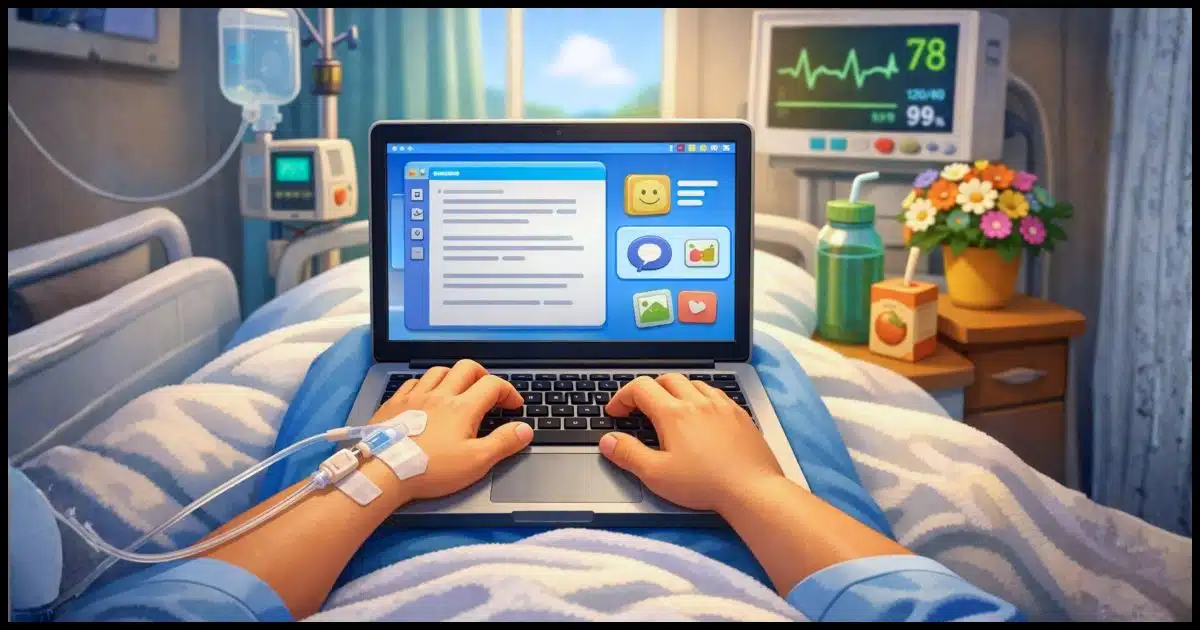
While recovering from my fall a few months ago — both my week in the hospital as well as my recovery at home — I naturally made heavy use of technology. It’s who I am, after all.
Interestingly, there were things that worked, things that didn’t live up to my expectations, and things that cropped up that were completely unexpected.
It’s a fairly random list, but it can help us all be better prepared for when (not if) something comes up.

Technology in a crisis
My fall taught me how much tech can matter in a crisis. My laptop became a lifeline for work, reading, music, and staying in touch. Some tools failed, and others surprised me. The big lesson: try and set up your tech before you need it.
My “go bag”
My concept of a “go bag”1 is my backpack and the technology I keep in it.
If I’m called away or stuck somewhere, my ability to connect and work is critical. I sometimes refer to my go bag as “Ask Leo! world headquarters”, since wherever it is… well, there I am. “Ask Leo! world headquarters” has been used when visiting relatives less than 100 miles away to visiting other relatives halfway around the planet.
When my wife asked me what I needed her to bring to the hospital, that backpack was at the top of the list. I set my laptop up on the desk, and — courtesy of hospital Wi-Fi — it remained operational throughout my stay. “Ask Leo! world headquarters” had temporarily relocated to Overlake Medical Center in Bellevue.
It may seem that I’m overstating its importance, but I don’t feel I am. Beyond my business, which was placed on hold anyway, my laptop was my lifeline in many ways.
- It was how I stayed in contact with my wife, family, and friends.
- It was how I read (from my Kindle library, as well as a variety of online sources and newsletters).
- It held my music: two streaming services and access to my library at home.
- It was how I watched video. Hospital television options were limited, to say the least, but I had access to all the streaming services I’m signed up for.
- It was my typewriter as I wrote (and wrote), both for therapy (mental and physical) and for staying in touch with people who’d reached out.
There are probably more roles it played that I can’t think of.
Now, you may not need a full-blown laptop — I know I’m an edge case. But even if you’re using something as simple as a mobile phone, your device can truly be a lifeline. (While I had my phone with me, because my glasses were damaged in the fall, my backup glasses made viewing the small screen a challenge. Hence, I relied heavily on the laptop.)
Just don’t forget a charger.
Help keep it going by becoming a Patron.
Bumps in the road
That’s not to say there weren’t hiccups.
Given that I was connecting to open Wi-Fi, I fired up my VPN. And… nothing. I could never get the VPN to work properly while in the hospital. Even using the workaround technologies the VPN includes, it wouldn’t fly. I ended up relying on HTTPS and other encrypted connections alone.
Because my manual dexterity had been adversely affected by the fall, my first thought was to use voice-to-text to avoid typing as much as possible. Unfortunately, I could never get any of the technologies I had available to me (Windows native, Otter, Krisp, and probably a couple of others) to the level of accuracy I needed. I’d spend just as much time and as many keystrokes correcting the transcription as I would have just typing it in the first place. The solution I used with the most success was Google Recorder on my Pixel 9 phone, and even then, it was often easier in the long run to just type manually.
Fingerprints can apparently become unreliable in some situations. My experience was that for whatever reason — damage from the fall, being dehydrated, being cold, or something else being different — my fingerprint was an unreliable unlock mechanism for my laptop. Fortunately, I also had a PIN configured and could use that instead. Set up more than one way to unlock devices.
Permissions! This wasn’t on my technology, but it was an interesting lesson learned. A friend and I tried to video call with another friend who is technology-tolerant at best. My friend had used WhatsApp for text messages before, but not videos, and was immediately faced with a small flood of permissions requests related to the camera and microphone that they were in no position to think about. We fell back to plain old text to communicate. The lesson? Give those communication apps a whirl and set up those permissions before there’s a crisis.
Other unexpected tech assists
I started using Grammarly again. Not because I needed the grammar help (though I kinda do), but because with my typing being challenging due to the accident, using Grammarly reduced some corrective typing.
Being in an urban area, we learned to leverage delivery and other services. Several items relating to my recovery were delivered by Amazon the next day, but more pragmatically, my wife and friends used services like DoorDash and Lyft for the first time as well. If these services are available in your area, they’re worth remembering, as they can often solve problems in addition to just being convenient. Once again, giving them a try before a crisis hits can make your crisis response a little less intimidating.
Our medical insurance provider and the hospital both provide comprehensive online portals where I was able to examine my own records in near real time. I mention this specifically because I know some are reluctant to use the online portals provided by their health care provider. My strongest recommendation is that you learn to use it, learn its quirks (there will be quirks), and use it regularly. You may well find yourself in a situation where it can provide you with faster, more accurate information than you might otherwise have access to.
Communications
My laptop was my foremost communications device, going well beyond allowing me to communicate with various individuals.
Everything communicated was recorded in the message history of various apps. This provided a great record of when and how things transpired, and a reference for much of the information being shared.
While the Google Voice app on my phone wasn’t perfect, it was good enough to let me take random notes as I remembered things throughout the day, and even at night, without necessarily being able to see the phone’s screen in detail. Additionally, I often asked the health care providers checking up on me if I could let it record the conversation so I could refer to the information later. Interestingly, several of them did the same thing with their own phones.
Do this
If there’s one takeaway from all this beyond embracing technology to assist in crisis and recovery, it’s this: prepare.
When it’s not a crisis, give some of these things a try so you’re not having to learn things from scratch in a high-pressure situation. Try the voice-to-text app. Make a video call. Figure out what messaging app your family members use, and start using it yourself. Pack your own little tech go-bag, even if it’s just a spare charger and cable. Sign in and get familiar with your online medical portal.
Technology can certainly frustrate, but it can help in amazing ways in times of crisis. A little preparation can tilt the scales in your favor.
Looking for more help? Subscribe to Confident Computing. Less frustration and more confidence, solutions, answers, and tips in your inbox every week.
Podcast audio

Footnotes & References
1: I also have more traditional go bags with food, water, clothes, and, of course, Corgi-food. I live in earthquake country, after all.

I had a similar experience in late 2022 and found myself nodding along with your commentary, particularly reliance on the hospital’s record keeping system. I had a week’s hospitalization for back surgery, a week in a skilled nursing facility, a week in the hospital to deal with blood clots, two weeks in rehab, and a month in an assisted living facility before coming home.
I wrote about it here, if you’re interested: https://www.techbyter.com/2023/0203.html
My go bag, when I get around to packing one I would be my laptop, my phone, a change of clothes,my medications and my toothbrush.
I travel twice a year and only take a carryon so I’m very aware of what I need. The only differenced is I carry 2 changes of clothes and a tablet when I travel.
Since I use OneDrive as my file server and 1Password, I can use any computer as it it were mine.
Thank you.
Your suggestion to prepare is good advice.
We can prepare using practice drills, taking small steps toward a defined goal.
Trying to figure out what is needed during an emergency leaves us confused.
Sorry to hear about your fall. I did not realize that anything had happened because you were doing your usual great job.
I remember when I was in the hospital and I had no charger for my iPhone. The hospital would not allow me to charge my iPhone up using their outlets.
I hope you have a full recovery. I been been visiting your site for a long time.
Many of us in danger of wildfires have short-distance Walkie-Talkies in our go-bags tech collection. Many don’t require subscriptions or internet. Depending on the range of the device, we can communicate over areas as wide as a mile to keep one another informed of rescue efforts and shelters.
FRS/GMRS radios. Inexpensive and often available at Costco. The only problem is that they advertise a 60 mile range, and that’s just not true. 1 mile, maybe. (For more I whip out my ham radio. 🙂 ).
Wouldn’t it be better to have a CB as walkie talkies have such short ranges and need another person within a mile with a walkie talkie on the same frequency? With a CB, you can reach many more people including most truck drivers who will can relay urgent messages. It’s more expensive, but can be a life saver.
Thanks for sharing that. Leo. age related or not, in my case, it’s age related – it’s valuable and pertinent information. I trust that you have now fully recovered.
Needless to say, in the age of AI, in these troubled geopolitical times, personal communications, particularly in circumstances you describe, are an essential part of our lives.
Two thoughts:
1) When the gadget won’t recognize your fingerprint, lick your finger. Or wet it in some more hygienic way if you prefer. My phone refused to accept my fingerprint after a night in a San Diego hotel with the window open. Moistening the skin on my finger did the job.
2) Re health portals: If you’re involved with more than one e.g. hospital system, see if you can link the portals. If they both use the very common EPIC system, you can definitely do this, and should.
1) Yup.
2) Also yes. (And also Epic.)
1. Yes and sometimes the opposite. Sometimes I have to dry my finger if it’s sweaty before it will work.
Thanks for sharing. Hope you’ve made a full recovery.
From an overnight stay in hospital 15 months ago for a hip replacement. I discovered the power outlet was not very accessible and there was only one… So add an extension lead & multi-socket to that go bag.
Also a battery capable of recharging your phone a couple of times.
and a head set that will work with phone and laptop (preferably noise cancelling – hospitals are noisy).
Oh yeah, the noise cancelling headphones were gold.
I got a pair of noise canceling headphone for when I fly. Blocking the engine noise makes the flight less stressful. I also got a Bluetooth adapter which plugs into the headphone jack. I also got a two pin adapter to plug in to the plane’s two jack stereo system. Otherwise, I’d only get 1 channel.
During late 2025, I spent several weeks in the nearest hospital to my home, followed by two weeks in a physical therapy hospital, and another week in a therapeutic nursing home, before returning home. I called 911 when I was having issues with breathing when attempting to lay down, and the situation not improving after a few days. I was taken to the hospital’s ER, and they diagnosed me with Congestive Heart Failure. My body had filled with fluids to the point that breathing became difficult when laying flat, or nearly flat. I was provided with a Lasix drip to remove the excess water, and was additionally diagnosed with a ‘fluttering’ Aorta, and a bit of fibrillation, so the doctors attempted to shock my heart back into sinus rhythm, which worked for less than a minute. That was followed up with an Ablation of the right side of my heart, in which the ‘short-circuits’ were burnt out, and my heart returned to sinus rhythm and remained in that state from that point forward. Having been back at home for nearly six months now, while my condition is something I’ll have to live with, probably for the rest of my life, my quality of life’s surprisingly good, provided I’m careful to take my medications on schedule, do my exercises regularly, and stick to my no/low salt diet, the last of which isn’t nearly as big of a change than I’d originally expected. Consuming fresh, non-enhanced/improved/per-packaged foods (with little or preferably no salt added) still tastes, perhaps even better than what we had been eating before my health issues developed.
While away from home, my primary laptop computer (the one I’m writing this on now) was a lifeline for me, thanks to email, the ability to stream you-tube, as well as was my smart phone, with which I was easily able to stay in contact with my family, particularly at the nursing home, since their room phone didn’t seem to have connectivity. For that reason alone, my smart phone, and it’s charger were essential for me!
I’m very happy to learn that your life’s gradually returning to normal, or perhaps to your new normal, as mine has,
Ernie