I’d have even more recommendations if I had more time.
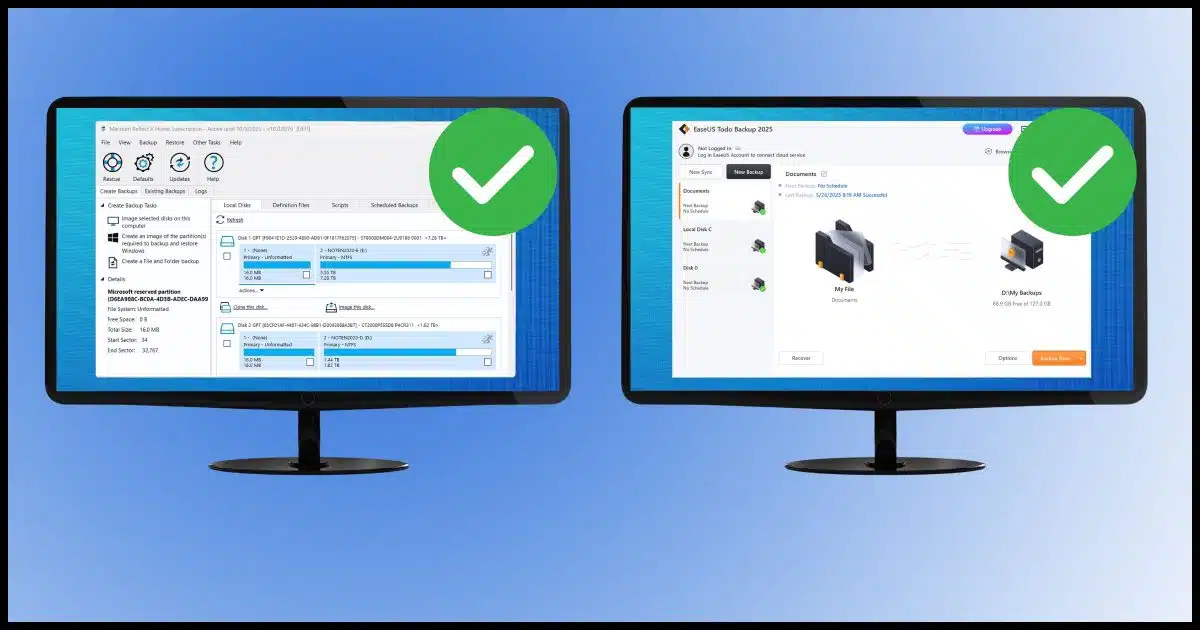
This comes up often enough that I want to address it and explain why. It’s simple:
- I recommend Macrium Reflect.
- I recommend EaseUS Todo.
These two things can both be true at the same time.

Backup program recommendations
I recommend both Macrium Reflect and EaseUS Todo because they meet my requirements for a backup program. They’re different, but both are good. Pick the one that works best for you. I don’t care which tool you use as long as you back up.
My requirements
Both programs meet my requirements for securely and completely backing up your machine.
My requirements? A good backup program is able to:
- Create full-disk image backups.
- Create incremental image backups.
- Restore to an empty hard disk (aka “bare metal” restore).
- Extract single files from backup images.
- Schedule backups to happen automatically.
There are bonus features that I could add to the list (for example, I love Image Guardian in Reflect and Security Zone and Backup Protection in Todo), but that’s my bare minimum.
Help keep it going by becoming a Patron.
There’s no one-size-fits-all solution
While both programs meet those requirements, they differ in ways that matter to some people.
- Macrium Reflect no longer has a free version. EaseUS Todo does.
- Macrium Reflect is purchased via subscription. EaseUS Todo can be a single purchase.
- EaseUS Todo is headquartered in China. Macrium Reflect is out of the UK.
- EaseUS Todo has fairly aggressive marketing (especially if using the free version). Macrium Reflect is more reasonable/restrained.
And, of course, their user interfaces are different.
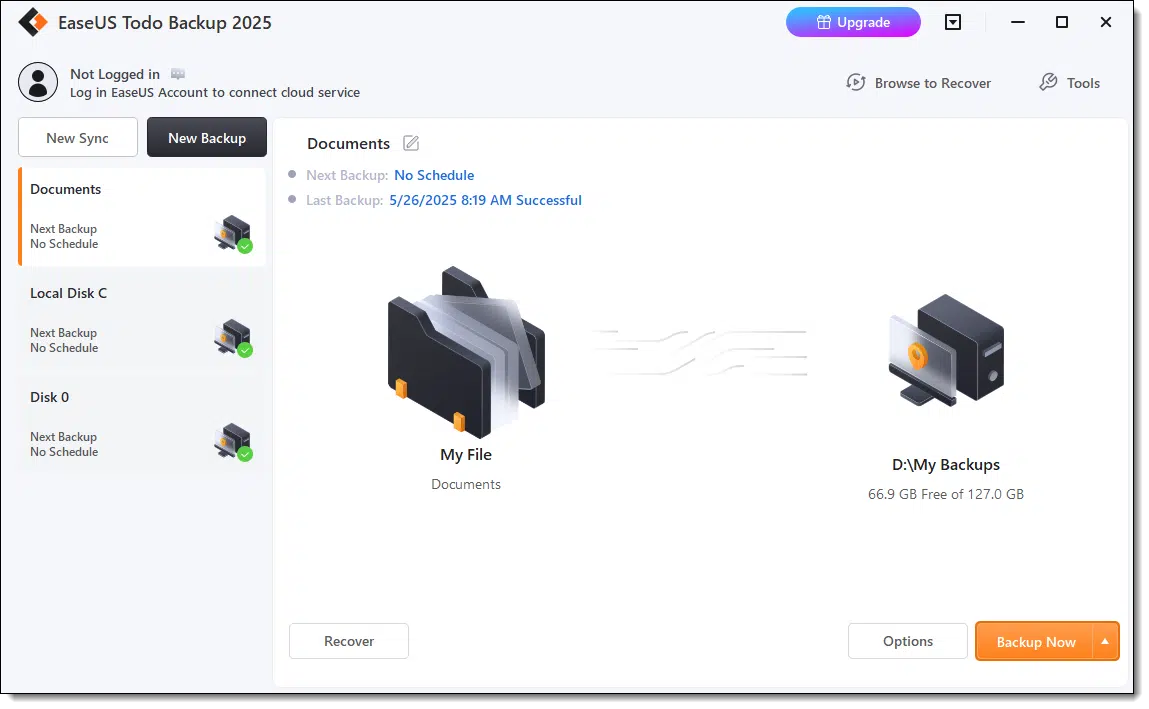
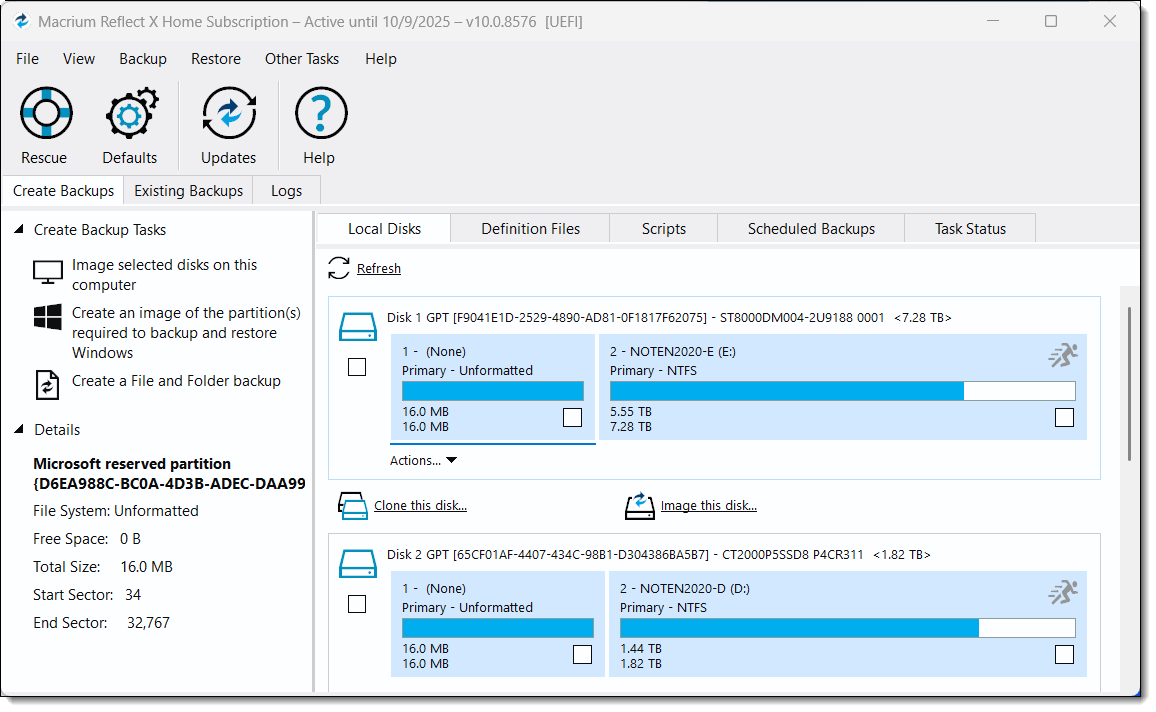
People find one preferable to the other for a variety of reasons, ranging from perceived simplicity to perceived professionalism.
Related

How to Back Up Windows
Don’t risk losing everything! I’ll show you how to back up Windows step by step, using free tools you already have. Protect your files, photos, and memories so you’re ready when, not if, disaster strikes.#30103
Backing up is that important
I don’t care which one you use. Backing up is so important that if having multiple recommendations means you’re more likely to select one and actually back up, then I’ve done my job.
If there were more hours in the day and it meant more people would back up, I’d probably have a third or even a fourth recommendation.
I hear regularly of many other backup solutions. Some meet my minimum requirements and some do not. Those that do all have pros and cons along the lines of the differences I’ve mentioned already: location, user interface, reputation, etc.
But given that I have two available recommendations that I believe in, I feel like I’ve got ya covered.
Do this
Back up. That much is clear.
Use either of the tools that I recommend, but back up. Heck, even if it motivates you to use a tool I’ve not mentioned, back up.
It’s that important.
Subscribe to Confident Computing! Less frustration and more confidence, solutions, answers, and tips in your inbox every week.


Another one I’ve tried with success is Paragon Free Backup. It fulfills all those requirements and is located in Germany. I’ve recommended it as an answer to an Ask Leo! question from someone who wanted a free non-Chinese solution, and the response was that it worked well. So if any of you feel up to it, you might to try it out and let us know. You can even run two different backup programs while you are testing with no conflicts as long as your backup drive has room.
I’ll give Paragon Free Backup a try and add another post with my experience after I get my backup regimen set up.
Ernie
I bought EaseUS several years ago after reading Leo’s articles. My backup drives are large enough that I have it make a weekly image of my C drive and daily incremental backups of my D drive, with a full backup every 5 days; overkill, but I have plenty of space. I still need to get cloud storage for disaster recovery.
When LastPass dropped the ball, l switched to paid Bitwarden after reading other Leo articles. $10/year is cheap protection, and it’s second nature.
Thanks, Leo!
Overkill and backup is an oxymoron. There’s no such thing as too many backup. It’s fine to let the backup drive fill up until you run out of space on your backup drives. The only reason more free space is needed is when there’s not enough space to do more backups or ass more files to the drive. There’s no harm in having a nearly full drive.
Monthly backups with daily incrementals keeping 3 backup sets is fine for most people, though
Thank you for this article. It clarified several questions I’ve had for some time.
I use AOMEI BackUpper and I find it does the job. Do you have any experience with it? If so. What is your opinion?
I have used Aomei Backupper Workstation and it’s pretty reliable.
Aomei Backupper is very good. It’s very similar to EaseUS Todo in features and usability. We chose EaseUS Todo over Aoemei because the English in their user interface is a little better and the name Backupper sounds unprofessional. There’s no reason to switch.
I’ve heard good things, but not used it myself.
@Patrick,
I’ve been using Aomei Backupper for years and it has never let me down. Reliability is, in my opinion, the most important aspect in a backup software and, in my experience, Aomei is thoroughly reliable. I ended up buying the Pro version on a super deal but the free version is full-featured and more than adequate for most.
Heh, I have 8, that’s not a typo, eight imaging/recovery programs on my system. Many may not realize, but Windows has its own imaging program built-in and no, I am NOT talking about System Restore.
I also have:
Macrium, British, my favorite
Terabyte, American, my second fav
Easeus, Chinese
Aomei, Chinese
R-Drive Image, Canadian
Hasleo, Chinese
and Drive Snapshot, German (does not need to be installed)
For those interested in a free program, Hasleo is starting to become rather popular in computing circles.
I simply enjoy playing with imaging programs (I know, I know, “William, you really need to get a life”). For those who think that I am really over doing it, let me quote Robbie Sinclair, Country Energy, NSW Australia: “Security is always excessive until it’s not enough.”
Eight Is Enough
8 software? You must try Acronis. I used to be a loyal supporter of Acronis spending lots of money buying the original software versions of Acronis. The company’s software degraded from very good to very bad. After trying the recent versions of Acronis, you will know what a disaster looks like. You will feel anger, disappointment, sadness and you will despise the Acronis backup software.
A Chinese company that has better English in their program? Now that’s something new!
But yeah, let’s do without any Chinese* programs for now — they aren’t being at all friendly to us right now. To say the very least.
—
* So much so, indeed — remember the spy balloon? Among many other things? — that I was very strongly tempted to use a racial epithet. In the end, I resisted that temptation… but only just.
Try some good Kraut software. Paragon free backup does the job and their headquarters are less than a mile from my house.
China is also flooding the U.S. with high-quality counterfeit money (both bills and coins).
Like I said: they are NOT friendly!
Cite? I’ve not heard of this.
I have to agree with TheGrandRascal, while I’ve not hear of flooding the U.S. with counterfeit currency. I do have experience in IT Security in a large organization. And in that environment looking at attempted intrusions against our infrastructure the majority of attempts come out of China.
That experience has trained me to be careful where a software development companies headquarters are located. Not that I fully trust the likes of Microsoft and Google to name a couple. I just feel I lower my risk by staying with software developed in countries that I would personally feel are safer solution choices.
I have Windows Backup for my Samsung T7 SSD and want to get EaseUS. Can and how do I switch?
Press the Windows icon key
Start typing Control and click on Control Panel when it appears
Click “System and Security”
Click “Backup and Restore” (Windows 7)
Click Turn off schedule.
Optionally, click “Manage space”
Click “Delete old backups”
Install and run EaseUS Todo
How to Create an Image Backup in EaseUS Todo Free
I was a happy user of your recommended backup software, Macrium Reflect. Then they went to a subscription model, where you pay an annual fee to use the software, and that’s not something I want to do. So I switched to your other recommendation, Easus Todo (paid version).
Easus Todo never worked well for me. I do two full backups per week. I couldn’t get that set up, so I asked via their online chat support. The engineer said the version I have doesn’t support that and I’d have to upgrade to a better version (better for them, I guess, because I had to pay more).
That worked for a while, then it stopped working. Backups were failing with the super-descriptive message, “An error occurred, failed to backup. Unknown error.”
I tried chat support again. The engineer tried to help, but when backups still didn’t work he told me that I’m not entitled to one-on-one support and in order to get further help I’d have to pay another $100 per year.
So my question to you is, do you have a third choice for backup software? It doesn’t have to be free; I don’t mind paying a one-time license fee.
Another backup program worth trying is Paragon Backup and Recovery
It’s made in Germany. You can try their free version before upgrading to paid, and you might even be happy with their free version.
https://www.paragon-software.com/free/br-free/#edition_comparison
Thank you, Mark. I’ll give it a shot.