All three, but mostly harmless.
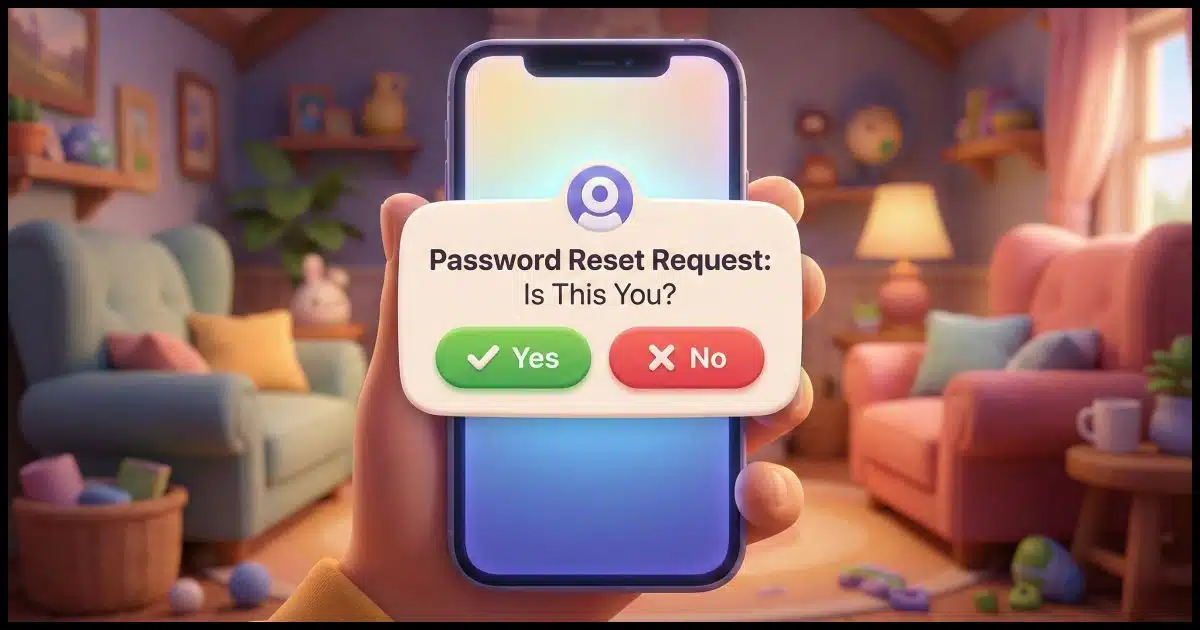
I’m not convinced that someone is trying to hack your account, but it’s certainly one possibility.
The good news is that denying them is exactly the right thing to do.
The bad news is that denying them is basically the only thing you can do.

Repeated and unexpected authenticator alerts
Repeated authenticator requests don’t always mean your account is being hacked. They can come from password reset attempts, mistakes, or bots testing email addresses. The right response is simple: ignore or deny them. Never approve a request you didn’t start, even to make it stop.
It could mean a password compromise
There are a few scenarios in which you receive an authentication request that could indicate a hack is being attempted.
Most services that use two-factor authentication, or just add an extra authentication step, do so in this order.
- You provide your username.
- You provide your password.
- If correct, the service then requests additional authentication via email or text message.
If a hacker were trying to hack your account and didn’t have your password, there’d be no additional authentication request. If your service uses this order, you wouldn’t be receiving the notices.
On the other hand, if you know this is the sequence your service uses — username, then password, then second factor — and you do get an additional authentication request out of the blue, the only way that could happen is if a hacker knows your password. In this case, the additional step is protecting you, but you should absolutely change your password.
However, there are two other scenarios.
1. Some systems do things out of order.
- You provide your username.
- The service requests additional authentication via email or text.
- If correct, the service asks for your password.
It’s not common, but it is a case where a hacker could enter your username, and you’d get the authenticator request (without it meaning that your password is compromised).
2. The last scenario is the password recovery process.
- You provide your username.
- You click “I forgot my password” or its equivalent.
- The service then requests the additional authentication via email or text. (Some services may require more than one.)
- The service lets you set a new password.
It’s this last scenario I suspect you’re seeing. But it’s still not evidence that you’re being hacked.
Help keep it going by becoming a Patron.
Is someone trying to hack in?
Maybe. Even here, there are nuances.
For example, someone could be typing in their own username/email address incorrectly (it happens way more often than you might think), and because their sign-in is failing, they’re attempting to reset the password. On the wrong username. On your username. Hence, you get the authentication request.
But it could be a hack attempt. Rarely is it an individual patiently sitting at a computer and clicking on “I forgot my password” over and over again. More likely, it’s a bot trying over and over again. The bot may not even be targeting you specifically, but working off a long list of known email addresses or usernames.
Many are counting on you getting tired and frustrated by the requests and entering the code just to make the disruption go away. If you do, it’ll go away, all right, as the hacker (or their bot) can now set a new password and compromise the account.
Deny, deny, deny
There is no way to stop these authentication requests. In fact, they are proof that the authentication system is working.
That means your only recourse is to ignore them or explicitly deny them (if that’s an option).
Sometimes there’s an additional option to report that it was not you making the request. Be careful! There are phishing attempts that look like these secondary authentication requests. They want you to click a link that says “This wasn’t me.” That link then takes you to a fake login page where the hacker can then capture your credentials.
My advice: if it wasn’t you, ignore it. If you feel so inclined, change your password — that never hurts. But if the requests keep coming, then a compromised password is likely not the issue anyway.
Do this
Pay attention to secondary authentication requests. If you know that your account login sequence is “username, then password, then second factor”, and the request you get explicitly mentions it being a second-factor scenario, then change your password immediately.
If, on the other hand, the notification talks about account recovery, password reset, or a lost password, then the right thing to do is ignore them (assuming you didn’t initiate the request). Delete the notice and move on.
Get more security tips and reassurances by subscribing to Confident Computing! More confidence & less frustration — solutions, answers, and tips — in your inbox every week.


“1. Some systems do things out of order.
You provide your username.
The service requests additional authentication via email or text.
If correct, the service asks for your password.”
I’ve had some logins skip the password and go directly to my second factor (phone or email) and never ask the password when I log in.