Articles in Category: Windows User Interface
Is There a Way to Get a Notification Sound when Startup is Finished?
Starting up Windows is incredibly complex. While you may not be able run a completion sound, you might be able to add one near the end.
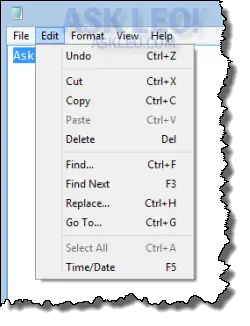
What’s the Difference Between Typing and Copy/paste?
In most cases, it’s Windows, not the application, that handles whether or not something is pasted in from the clipboard or is typed in. The program receiving the data usually doesn’t know or care.
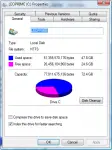
Why Does the Space Used by Files on My Hard Drive Show Different Numbers Depending on How I Look?
Depending on how you look at your disk, the amount of space used can appear quite different. We’ll look at some of the possible reasons.
Safely Remove Hardware: Where Did the Icon Go? How Do I Safely Remove Hardware Without It?
The “Safely Remove Hardware” icon can occasionally disappear. It turns out there’s a simple workaround to safely remove hardware anyway.
How Can I Control The Size Of My Start Menu?
The Start Menu can grow over time to be exceptionally large. Armed with a little knowledge there are easy steps to control or organize its contents.
Why Can’t I Find Or Delete “bridge.inf”?
Apparently ‘bridge.inf’ is related to adware of some sort. Most of the anti-spyware programs should be able to handle it, but apparently not always. We can try to find it manually, which is a good example of searching for hidden files in general.
What does “This file does not have a program associated with it” mean?
File associations tell Windows what program should operate on what file based on it’s filename extension. Sometimes these get lost or confused.
Can I make a desktop icon for a web page shortcut?
Adding shortcuts to your desktop for programs, documents or even specific web pages is very easy.
