print to PDF


How Do I Print an Email in Black Instead of Gray in Outlook.com?
Outlook.com defaults to showing dark gray text instead of black. There’s no setting to change it, but I’ll describe a couple of straws to grasp at.
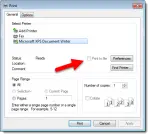
What is “Print To File” Used For?
Print to file is an option on many older print dialogs that sends printer output to a file rather than the printer. It’s of extremely limited use these days, if it’s even available at all.
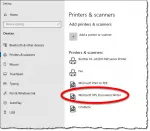

Why Does My Microsoft Word Document Display Differently on Different Computers?
You send a Word file to a client, and suddenly 226 pages become 330. It’s not a bug. It’s how Word works. I’ll explain why printers and fonts change your document’s look, and show you the simple way to share files that look the same everywhere.
